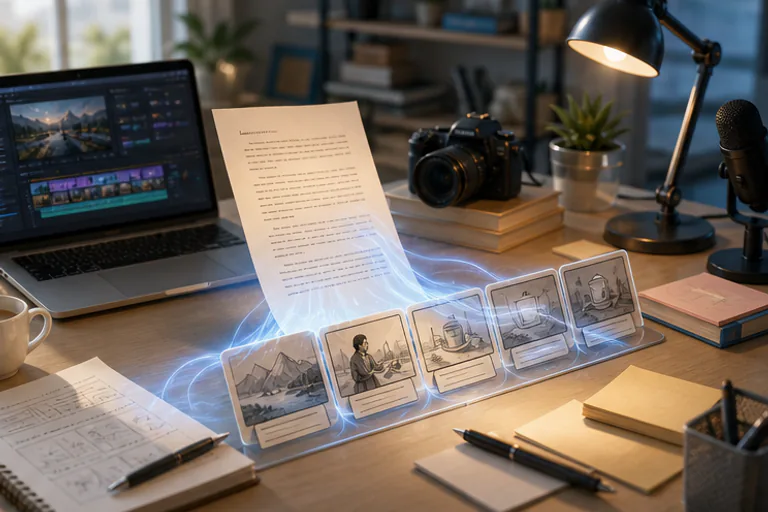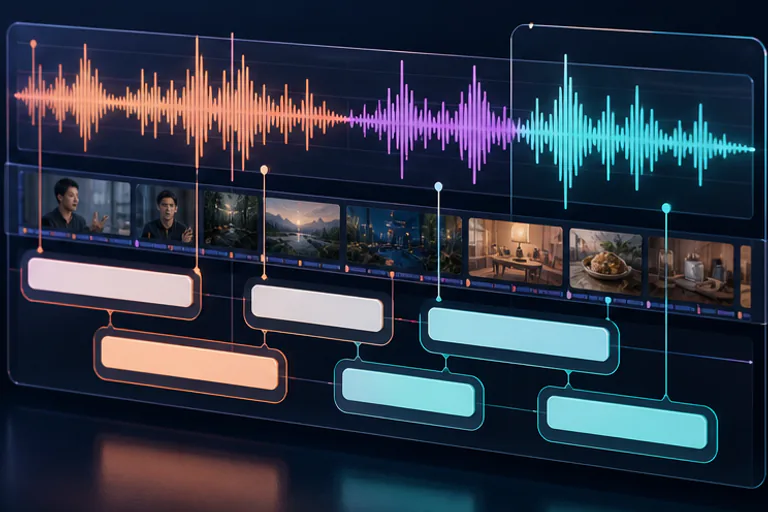
Paste text or upload narration. meteorStudio matches SRT captions, splits scenes, applies story-short cards, adds sound effects, and builds a draft you can review right away.
DEMOBelow is a product UI preview. Numbers, view counts, and user stats shown are sample demo data — not real service metrics.
Wednesday, March 19, 2026
Today's Creator Center
SAMPLECheck 3 trending keywords
"Winter camping VLOG" shortform auto-draft
2 branded style images
23 min video → 5 highlights
7-day views & CTR report
Top 5 Winter Camping Tips
Solo Cooking Vlog
New Year Diary Setup
This Week
12.4K
vs Last Week
+34%
Fill each scene with media, add motion, set BGM, and start rendering through a single Auto Complete button. Choose the mix of stock footage, AI images, and AI video, then review and refine the result.
🎞️
🖼️
🎬
🎯
🎵
🚀Cut the time spent on a single video — without an editing step. Benchmark: a 5-minute short.
~3 hours
Premiere Pro · manual editing · ~3 hours
~15 minutes
meteorStudio · auto-assemble · ~15 minutes
Comparison is a product-spec claim based on a 5-minute short; actual time varies with video composition. See How it works for details.
Finding topics, writing titles, crafting thumbnail copy, and planning shorts drafts.
Repetitive but essential tasks — now handled in one place.

Find trending topics and rising keywords fast, and save them as production candidates instantly.

Study top videos' title structures, thumbnail patterns, and competition intensity to pick better angles.
Compare title A/B, thumbnail copy, combo scores, and hook strength — all at once.

Save ideas so nothing gets lost, and connect today's tasks with this week's plan.

Connect your YouTube channel for personalized topic recommendations and upload guides.
No camera, no editing skills needed.
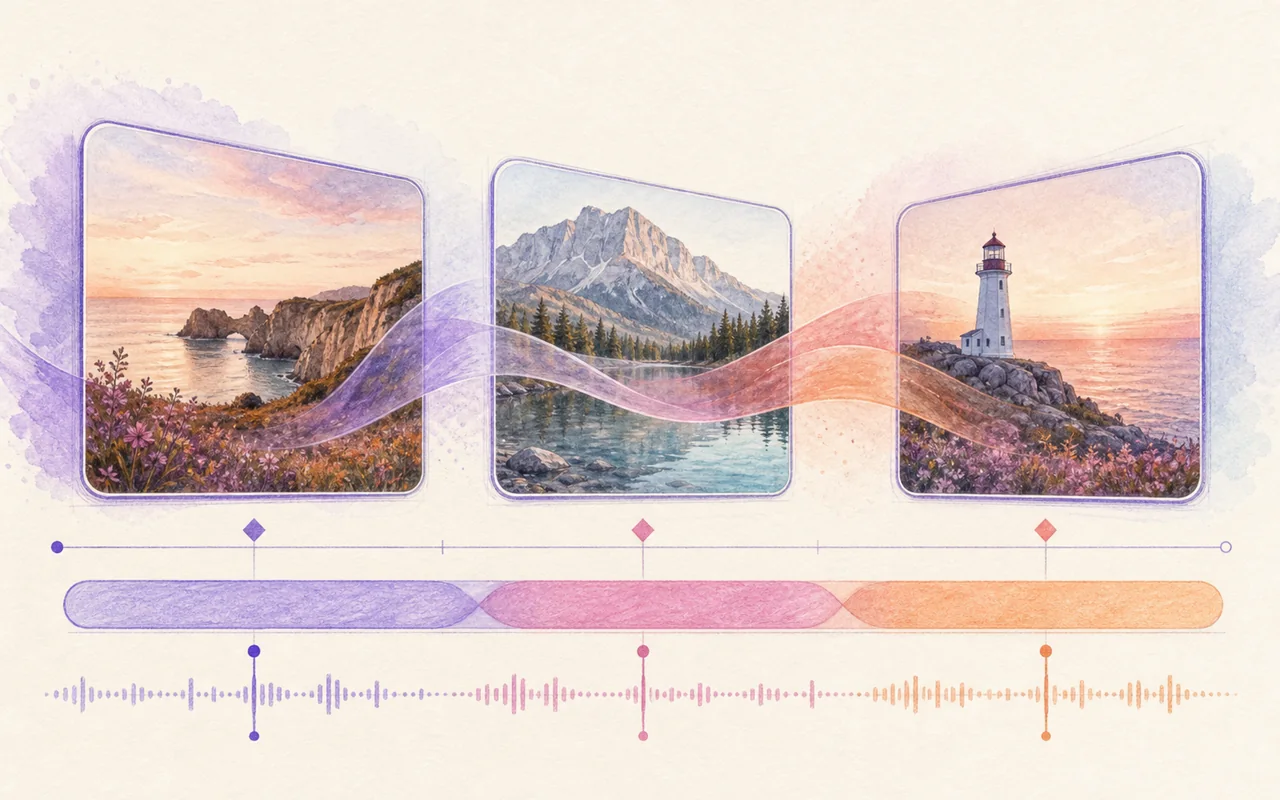
Add a script, audio, or SRT file. meteorStudio splits scenes, matches captions and media, and starts shorts with the story-card layout by default.

Start from written narration, uploaded voice, or an SRT file. Shorts are organized into short scene beats automatically.
Audio upload + SRT match

If SRT captions are bundled, turn on auto-split to break them into paragraph-sized scenes capped for shorts.
Paragraph-based splitting

When shortform is selected, the story-card hook and body layout are shown first so the draft already feels like a shorts format.
Story cards by default

Search and preview sound effects, loop GIFs naturally, and render stock clips without hand-editing every scene.
Preview SFX · GIF loop

Informational Longform
3-15min explainer videos

News/Issues
Quick hot topic videos

Educational Content
Lecture/tutorial videos

YouTube Shorts
30-60s vertical videos

Marketing Videos
Product/service promotion

Emotional Content
Vlog/documentary videos
Free credits · No card required
Story-short cards, SRT caption matching, SFX search, and GIF looping.
Less technical setup, more useful production flow.

Selecting shortform in Easy Video now starts with the story-card hook and body layout, with more card styles available in preview.

Upload an SRT with your narration audio and captions will follow the file timestamps instead of starting from scratch.

Korean caption splitting now avoids breaking short words into awkward syllable fragments.

Search comes first, built-in effects move behind it, and you can listen before applying a sound.

GIF files are treated as animated media and loop to match the scene duration instead of being frozen and over-zoomed.

External video downloads retry with clearer failure diagnostics so renders waste less time on opaque aborts.
Run a YouTube channel for 30 days — pick trending topics, plan content, and balance ad spend on your way to 1M subscribers.
For news and explainer content, source attribution is non-negotiable.
Type the source per scene — meteorStudio burns a broadcast-style overlay onto your video at render time.
The next-gen EV the world is watching
Source overlay per scene
A creator-first workflow that connects topic discovery
to image and shorts production in a single platform.


Real-time issues, hot videos, opportunity keywords, competition analysis.
Find the right topic to create right now, and send it to a content draft with one click.

Quickly spot topics gaining attention right now

Analyze top videos' title and thumbnail patterns

Discover topics where competition isn't too fierce

Save keywords and monitor their trend movements
Same topic, different results depending on title, thumbnail, and hook.
meteorStudio quickly suggests multiple versions creators can use right away.

Compare click-bait, informational, question, and provocative titles at once
Generate punchy phrases, number-focused, and question-style copy fast

Score and reason through which combinations hit hardest

Suggest stronger alternatives for the first 3 seconds, first sentence, and first impression

Clicks are only half the battle — discovery and watch-time matter too.
Generate descriptions, hashtags, and AI thumbnail images in the same pass.
1–3 paragraph descriptions tailored to your title and hook.
5–10 tags chosen to maximize discovery for your topic.
Generate thumbnail visuals directly from a prompt.
Finding a good topic isn't the end.
Shorts drafting, saving to queue, and calendar integration should flow naturally into real production.

One pipeline, two formats — 3–15 min long-form or 30–60s shorts from a single script. Title candidates, hook lines, and outlines generated instantly.

Organize ideas so nothing gets lost, even if you can't produce today.

Manage this week's plan and today's priorities at a glance.
Don't stop at trend discovery and planning.
Seamlessly connect to image generation and long-form or shorts production.


Make your daily content planning faster and smarter.

Real-time trends and opportunity keywords are auto-collected, giving you today's topic recommendations instantly.
Title A/B, thumbnail copy A/B, combo scoring, hook strength analysis — compare what works and use it.

Send discovered topics to shorts drafts, production queue, and image generation in one flow.

Connect your YouTube channel for personalized recommendations based on your style and performance.

Save channel tone, banned words, and style preferences — auto-applied to everything you generate.
From topic discovery to production management — all in one place.

Analyze real-time issues and hot videos to find what to create now.

Use title A/B, thumbnail copy, and hook analysis to craft a click-worthy strategy.

Quickly turn ideas into shorts drafts, scripts, and thumbnail images.

Schedule with queue and calendar, then download your finished content.
Done with trend research and planning? Create images on the same platform.
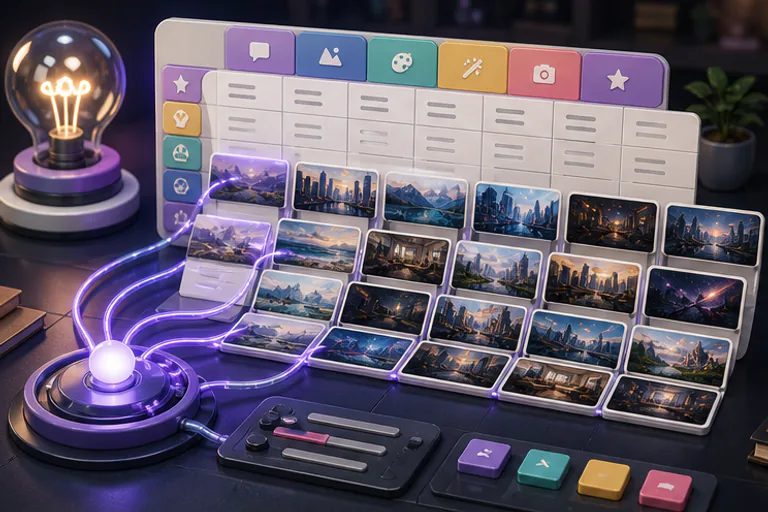
Auto-organize concepts from one idea, select what you want, and batch-generate.

Just enter an idea and GPT auto-organizes multiple image concepts into a table.

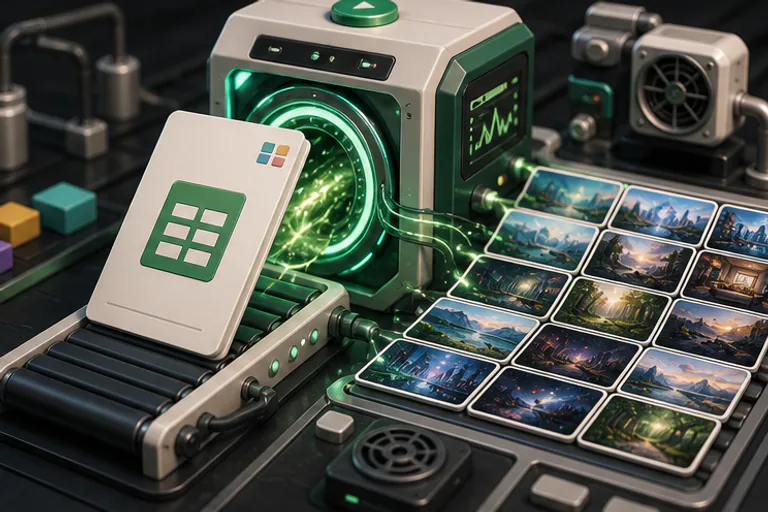
Already have prompts? Upload a spreadsheet and start batch generation right away.

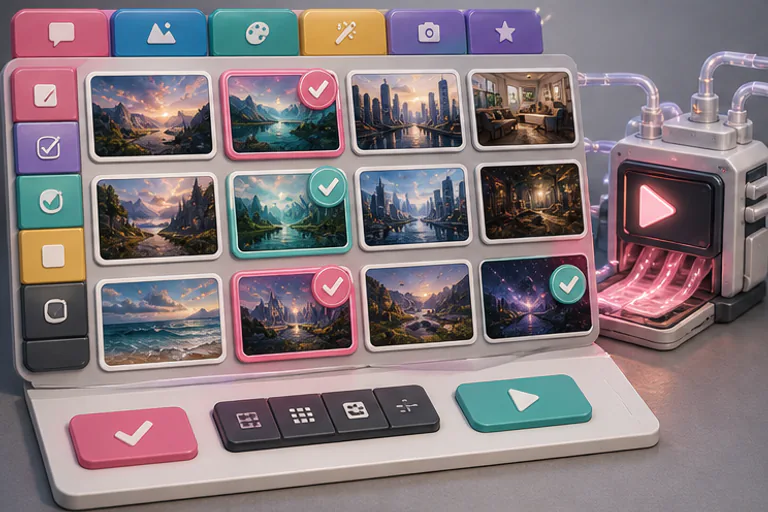
Pick rows from the table and generate 10–50 images in one batch.

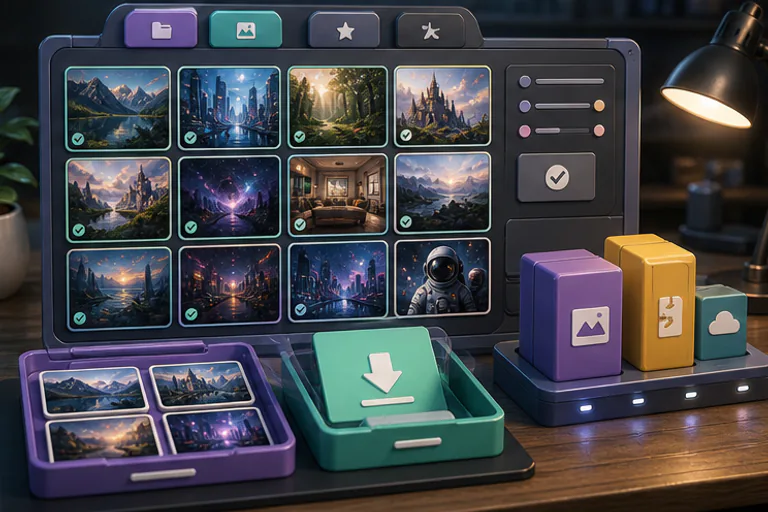
Review generated images in a list and download individually or in bulk.
Membership required for this feature
Scenes pulled from scripts or source videos get titles, captions, BGM, and branding applied automatically.
DEMO※ The images above are sample content showing what you can create with meteorStudio. Any view counts, scores, or stats shown are demo data — not real customer metrics.
Hover to pause
Discover trending topics, generate titles and thumbnails, create shorts drafts, and queue them for production — all in one flow.
Start free, pay only for what you use
Free credits on sign-up
Start creating the moment you log in.
Pay-as-you-go
Credits are only spent when you actually render.
No card required
Try everything first — add a payment method later.